
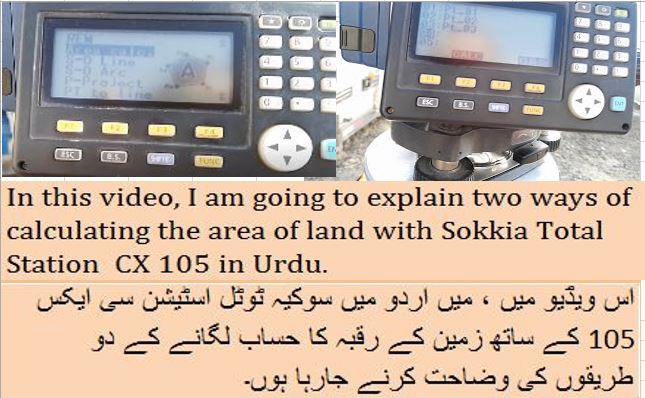
In this video, I am going to explain two ways of calculating the area of land with Sokkia Total Station CX 105 in Urdu.
1st go to Menu then Press Enter then use down arrow Key and reach an area calculate option then press Enter
Here you have two ways of calculating area 1st measure one by one all points and store then when you reach the last point the press calculate you can get area and perimeter
2nd method is if you already have save some points load these points and after press calculate then you can get area and Perimeter
Note: If you need to show the location in Autocad drawing then you need to set the instrument with original coordinates otherwise no need.
#ErtugrulYouTubeRecord #ErtugrulUrdu aamirshahzad autocad AutoCAD Short Cut Calculate the Horizontal distance between 2 unknown points with triangle method in Urdu/Hindi Civil 3d Description Key Civil 3d Points Objects Convert coordintes KTM to Plant Coordinates conversition Ertugrul Ghazi Urdu ErtugrulUrdu hariri hindi IM-105 job in Dubai Job in Pakistan Jobs All over the world Jobs in Saudi Arab Land Survey land surveyor land surveyor career land surveyor job Land Surveyor job in Kuwait Land Surveyor Job in Saudi Arab land surveyor salary Leica FlexLine Leica TC405 Mobile App Quantity Surveying REM function in Sokkia Total Station Road Design Short Commands in Auto CAD Sokkia IM105 Sokkia TS Stake Out survey Surveying surveyor urdu Use of Ctrl key in AutoCAD Use of XClip command on XREF drawing in Auto-CAD Hindi/Urdu vibrocompaction video youtube youtubevideo
 Aamir Shahzad